
Welcome to the Hello World Tutorial!
This tutorial introduces Play Framework, describes how Play web applications work, and walks you through steps to create page that displays a Hello World greeting.
If you loaded this page from the web server running on localhost:9000, congratulations! You have
successfully built and run a Play application. If not, you likely opened the source index.scala.html
file. Please follow the directions in the README.md file in the top-level project directory to run
the tutorial.
Introduction to Play
As illustrated below, Play is a full-stack framework with all of the components you need to build a Web Application or a REST service, including:
- An integrated HTTP server
- Form handling
- Cross-Site Request Forgery (CSRF) protection
- A powerful routing mechanism
- I18n support, and more.
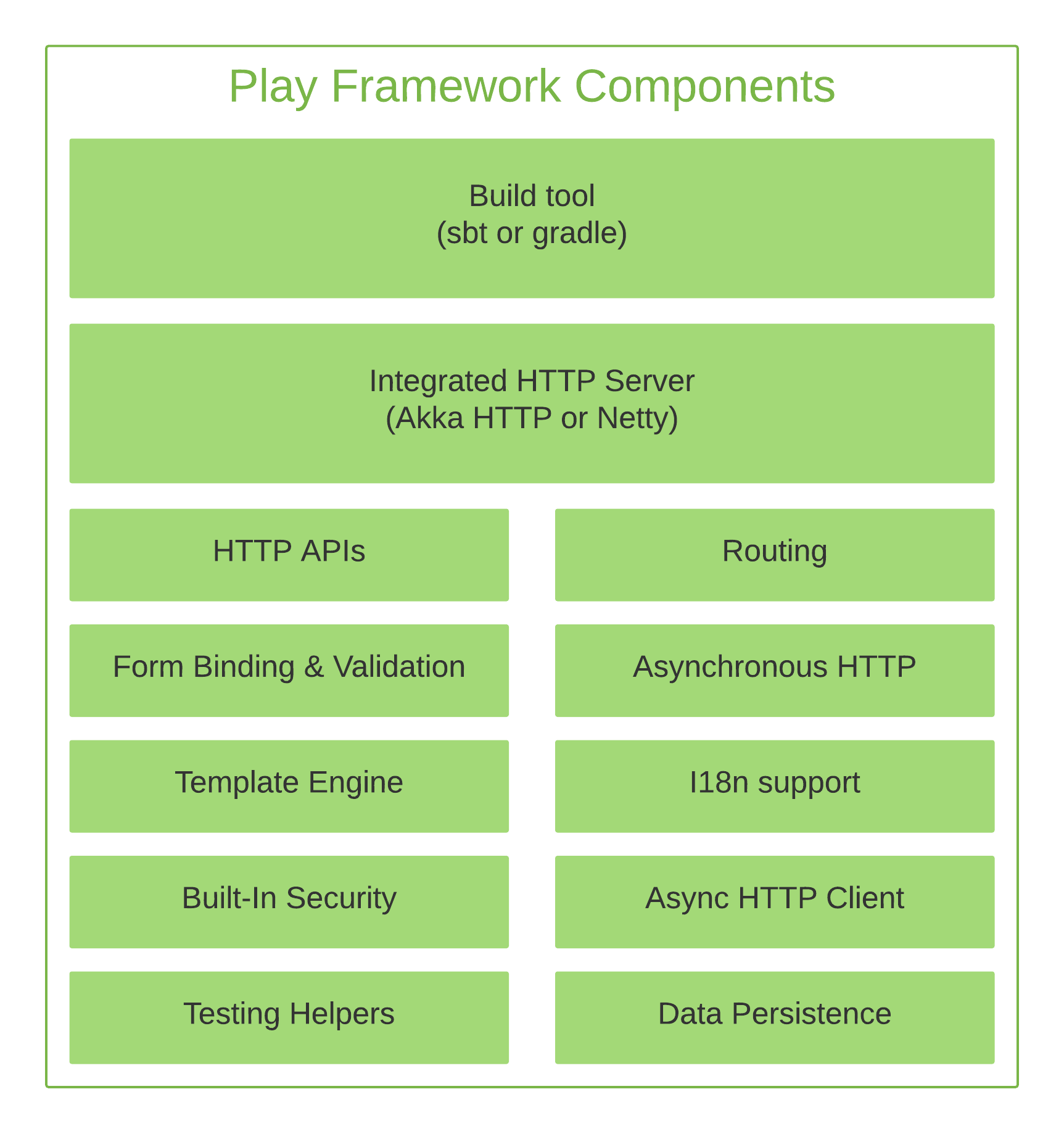
Play integrates with many object relational mapping (ORM) layers. It has out-of-the-box support for Anorm, JavaEbean, PlaySlick, and JPA. See Accessing an SQL Database for more information. Many customers use NoSQL, other ORMs or even access data from a REST service.
Play APIs are available in both Scala and Java. The Framework uses Pekko and Pekko HTTP under the hood. This endows Play applications with a stateless, non-blocking, event-driven architecture that provides horizontal and vertical scalability and uses resources more efficiently.
Here are just a few of the reasons developers love using Play Framework:
- Its Model-View-Controller (MVC) architecture is familiar and easy to learn.
- Direct support of common web development tasks and hot reloading saves precious development time.
- A large active community promotes knowledge sharing.
- Use of Twirl templates to render pages. The Twirl
template language is:
- Easy to learn
- Requires no special editor
- Provides type safety
- Is compiled so that errors display in the browser
To learn more about Play's benefits, visit the Play website.
Next steps
Now, let's explore the tutorial Play application.